Essential Essentials
Learn Embrilliance Essentials from the ground up in Essential Essentials. Master lettering, editing, and stitch tools to create custom embroidery designs with ease.

MASTER EMBRILLIANCE ESSENTIALS
New software can be overwhelming.
But it doesn’t have to be. We’ll work through all the ins and out of Embrilliance Essentials so that you can confidently set up and modify your embroidery designs.
AN EXPERIENCED AND ENTHUSIASTIC INSTRUCTOR
Hey there! My name is Julie, and I’m here to help you master Embrilliance Essentials!
I’ve been sewing and embroidering for years. In fact, I even have a Masters Degree in apparel design. You may have seen some of my projects in Creative Machine Embroidery and Sew News magazines as I am a frequent contributor to those publications.
I’m also an experienced teacher having taught at the college level for over 20 years. And, I offer popular machine embroidery related workshops through Everything Embroidery Market and the Rebecca Page Summit.
Why I built this course
After launching my blog in 2019, I frequently heard from readers that they wanted to learn more about Embrilliance products. There just aren’t that many Embrilliance courses available – which is a shame because it’s such a great suite of products.
So – I figured I would do it myself. After all, as an educator in a constantly changing field, I am also required to learn new software quickly and thoroughly so that I can be an effective teacher.
Sharing my enthusiasm for and knowledge of Embrilliance is easy. I use it almost every day and I love it.
So, if you find yourself intimidated by Embrilliance Essentials and unclear on how to get started, I’m ready and willing to be your guide!

LEARN TO…
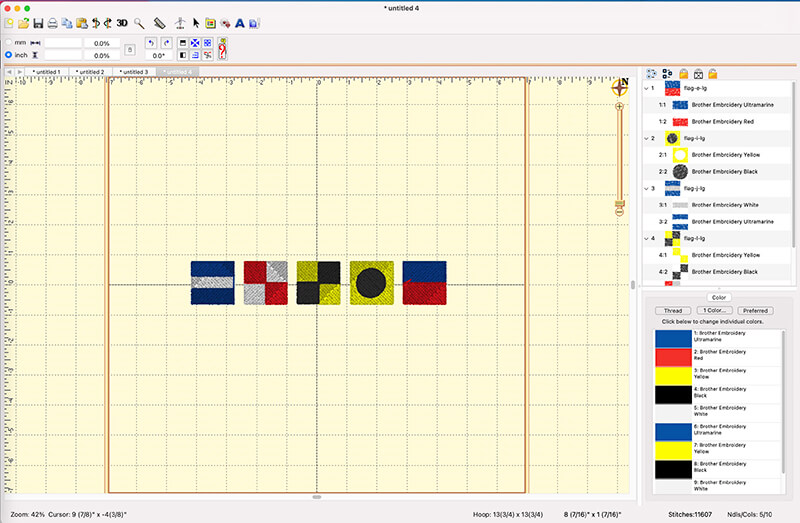
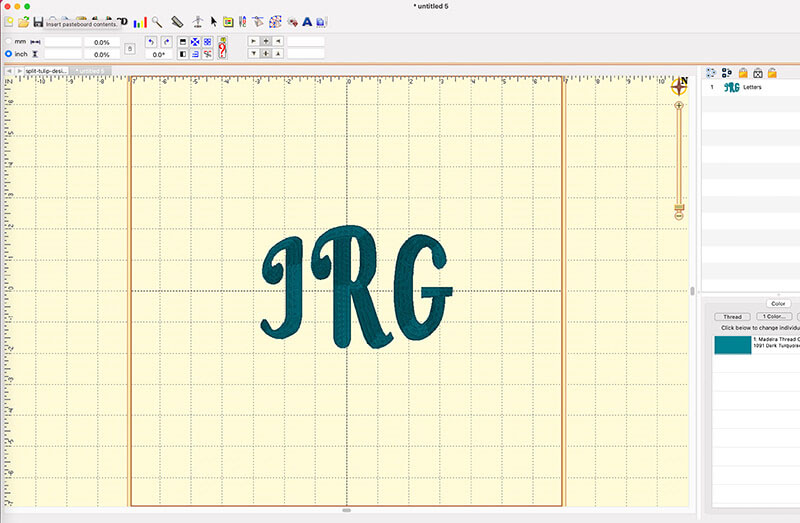
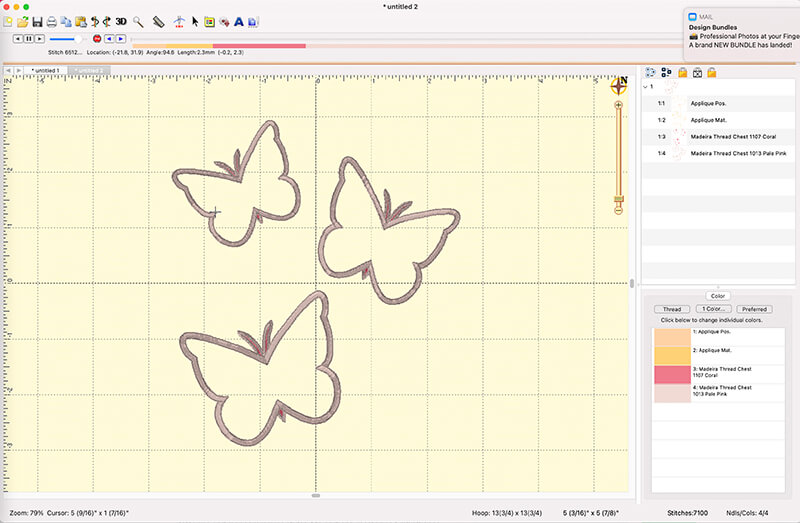
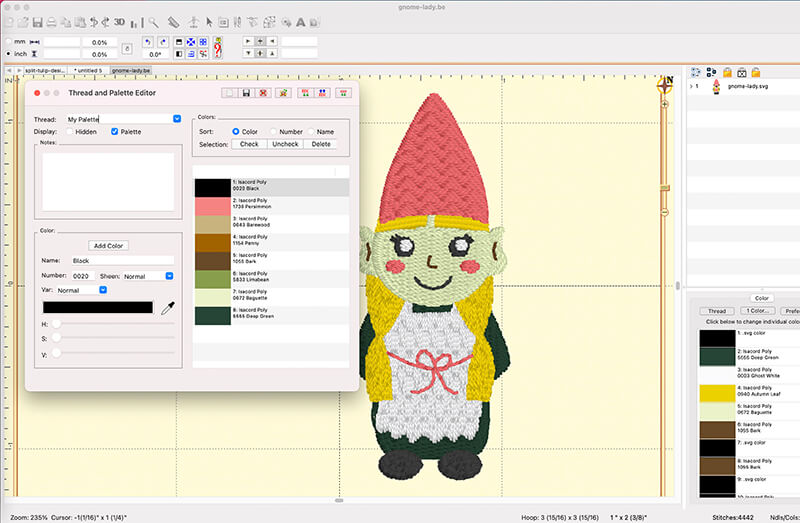
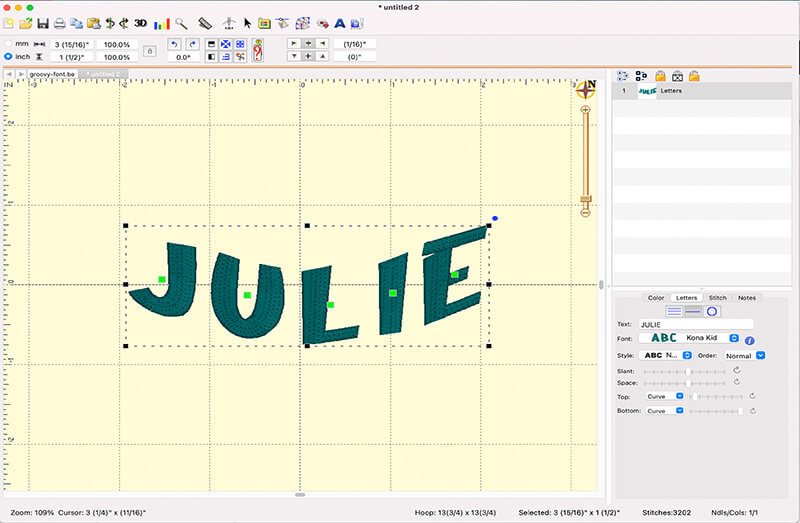
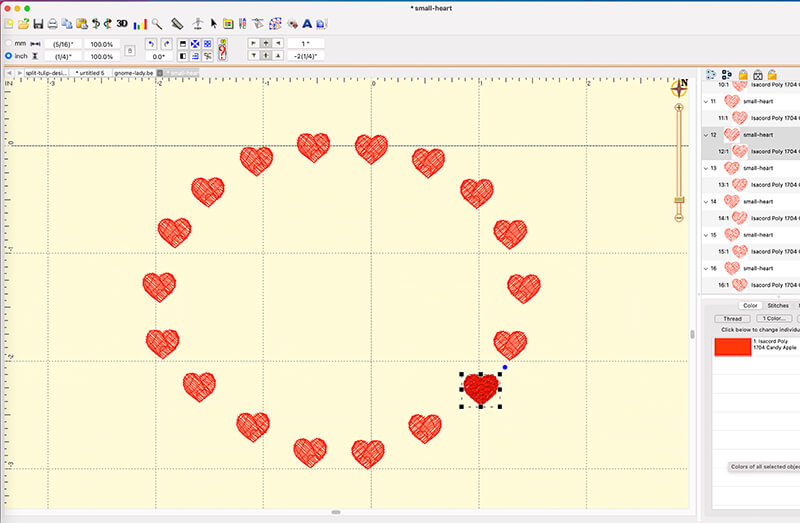
Here’s a few of the lessons covered in this course.
PRACTICE WITH…
You’ll be able to download and use these six embroidery designs and three embroidery fonts


What my students say…
“Wonderful instructions! I have had Embrilliance for probably four years and watched every video I could find but never learned half of these functions!”
– Diane
“I would highly recommend this class for anyone already using Embrilliance Essentials or for new machine embroidery hobbyists wondering what is the best software. I have had other embroidery software before which was several times more expensive that Essentials & after taking this class I feel I have much more control of the designs I stitch out than I ever did with the more expensive software.”
– Martha
“Julie has a gift for breaking things down for those just exploring embroidery, and embroidery editing with Embrilliance. I couldn’t be happier with my new-found level of confidence and competence!! I’m already digging in and customizing things I had no idea I could personalize ♥️. Thank you Julie!!!.”
– Gina
“This course was very informative. I am computer illiterate and by the end I feel I can do all I was hoping for. Julie is great at teaching and moves at a slow pace which is exactly what I need..”
– Shirley
“I have been frustrated with Embrilliance because I know there is a lot in Essentials that I don’t know and have had no real place to learn. You tube videos are such short segments on one particular aspect. I liked how you started at the beginning and walked us through slowly and carefully. Just what I needed.”
– Maxine
“This is my 2nd course with Machine Embroidery Geek, and I will continue to take these courses. Julie is easy to follow and welcomes your questions. I promise you will learn.”
– Jeanette
“Julie’s courses are perfect for the person who wants to learn to machine embroidery. Her instructions and goals are clear and the examples are fun to make and provide great practice for new skills. My abilities and knowledge have definitely grown. Great for a beginner or even for one with more experience—Julie has so much to teach and great advice and knowledge to share.”
– Jennifer
Curriculum
- 8 Sections
- 47 Lessons
- Lifetime
- 01 - Introduction7 ItemsWelcome to Essential Essentials, your beginner-friendly guide to getting started with Embrilliance Essentials. In this section, you’ll get an overview of the course, learn what you’ll be able to do by the end, and become familiar with how Embrilliance fits into your embroidery workflow. This is where confidence begins and confusion ends.
- 02 - Understanding the Embrilliance Interface9 ItemsGet comfortable navigating the Embrilliance workspace. You’ll learn what each area of the interface does, how to find the tools you need, and how to move around the software efficiently. This section builds the foundation for everything you’ll do moving forward.
- 03 - Working with Embroidery Designs7 ItemsLearn how to open, view, and manage embroidery files inside Embrilliance. You’ll explore how designs behave in the software, how to resize and position them correctly, and how to make simple adjustments without damaging stitch quality.
- 04 - Working with Fonts13 ItemsDiscover how to use built-in and custom fonts to create personalized embroidery text. You’ll learn how to add lettering, adjust spacing, and combine fonts with designs to create polished, professional-looking results.
- 4.1What are BX fonts? What are the benefits?
- 4.2How to Install BX fonts on a MAC and a PC
- 4.3Scalability of BX fonts
- 4.4Modifying color, rotation and scale of individual letters
- 4.5Adjusting the spacing between letters
- 4.6Text distortions
- 4.7Creating a monogram
- 4.8Name and monogram placement
- 4.9Multi-line text
- 4.10Curved Text
- 4.11Working with Non-BX Fonts
- 4.12How to Remove a BX font on a MAC and a PC
- 4.1304 Quiz5 Questions
- 05 - Transforming Designs7 ItemsTake your creativity further by learning how to modify designs with confidence. This section covers resizing, rotating, mirroring, combining elements, and making thoughtful adjustments while maintaining stitch integrity.
- 06 - Advanced Topics and Specialized Tasks6 ItemsExplore practical next-level skills that help you handle real-world embroidery projects. You’ll learn time-saving techniques, workflow tips, and specialized tasks that make your design process smoother and more efficient.
- Downloads and Additional Resources3 ItemsAccess helpful tools, reference guides, and bonus materials designed to support your learning. These resources give you quick reminders and extra practice opportunities as you continue working in Embrilliance.
- Bonus Lessons1 ItemEnjoy extra tutorials that expand on key concepts and answer common questions. These lessons are designed to deepen your understanding and help you feel even more confident using Embrilliance in your projects.
FAQs
Instructor

Hello! I'm Julie, the founder of Machine Embroidery Geek. As an educator with over 20 years of teaching experience and a machine embroidery designer for more than 10 years, I combine my love of teaching with my passion for embroidery.
I believe that machine embroidery should be fun, creative, and accessible to everyone. That's why I create easy-to-follow tutorials, online courses, and modern embroidery designs that help embroiderers build skills and create projects they're proud of. Whether you're learning the basics or mastering advanced techniques, I'm here to help you stitch with confidence.